








Top 10 Sales CRM Software in India in 2026
Posted on March 20, 2024 by Shagun Sharma
Ever since the concept of sales came into existence, customer relationship management has been a regular practice. Maintaining customer relationships is a proven method for increasing the number of sales.
Now that every business has realized that the success of their results depends on the behavior of their customers. They are moving from traditional methods to modern techniques to make every piece of customer data count. They are using CRM tools to optimize their efforts and meet the diverse needs of their customers.
However, with a number of options available on the market, finding the best CRM software in India is no less than a daunting task. That’s why we have decided to help you with a curated list of the best CRM tools in India based on their features, usage, pricing, and overall performance. Keep reading to find out what they are.
1. Best CRM Software in India to Consider
Whether you are a small start-up or a renowned enterprise, the CRM software you choose must fit your unique business requirements. Let’s take a look at our curated CRM tools list that will help you make an informed decision.
1.1. Kylas Sales CRM
Kylas is an enterprise-grade sales CRM software that is uniquely designed and engineered for growing businesses. It helps businesses of all sizes, small and medium, streamline their sales efforts, engage with customers effectively, and grow faster.
It is built and priced for collaboration and allows businesses to onboard unlimited users and work seamlessly with their entire team on board. Kylas is user-friendly and offers a full stack of features, including customizable pipelines, sales reports, tasks, and reminders, integrations with third-party tools, and much more.
This easy-to-use sales CRM tool is beginner-friendly and designed to help businesses manage leads, prioritize the data, and maintain better customer relationships. It has been ranked among the Top 5 CRM Software for Growing Businesses on Capterra.
1.1.1. Key Features:
- Lead management
- Team-based access
- Third-party integrations
- Reports and dashboards
- Sales automation
- Field Sales Management
- Inbuilt Whatsapp
- AI Features
1.1.2. Third-Party Ratings:
- Capterra: 4.8/5
- G2: 4.7/5
- Software Suggest: 4.3/5
- TechJockey: 4.1/5
1.1.3. Pros:
- Unlimited users on a flat pricing model
- Strong workflow automation for sales optimisation
- Easy integration with email, calendars, and business tools
- Robust mobile app for on-the-go sales teams
- Simple UI with flexible customisation
1.1.4. Cons:
- No offline access for documents
- Occasional customer support response delays
- Some modules lack layout customisation
1.1.5. Pricing:
- Embark – FREE
- Elevate – Flat INR 12,999/month
- Exceed – Starting from INR 15,339/month (including GST)
1.2. Salesforce
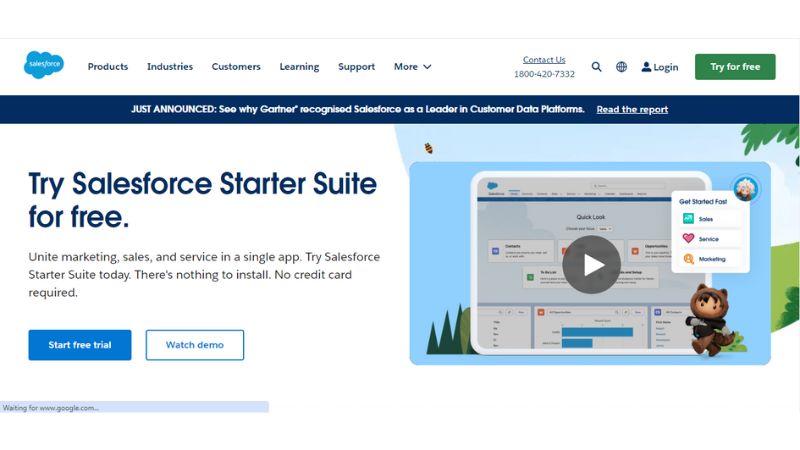
Salesforce is a globally recognised CRM platform that helps businesses manage customer data, sales operations, and marketing activities at scale. It is widely used by mid-sized and enterprise organisations to manage complex sales processes.
The platform offers advanced analytics, automation, and extensive integrations, making it suitable for businesses with mature sales operations and long-term scalability needs.
1.2.1. Key Features:
- Advanced analytics and reporting
- Sales automation
- Custom workflows
- Collaboration tools
- Enterprise-grade security
1.2.2. Third-Party Ratings:
- Capterra: 4.4/5
- G2: 4.4/5
- Software Suggest: 4.6/5
- TechJockey: 4.3/5
1.2.3. Pros:
- Highly scalable for growing and enterprise businesses
- Extensive integration ecosystem
- Powerful automation and reporting capabilities
- Industry-specific CRM modules
1.2.4. Cons:
- High cost as users increase
- Complex setup and learning curve
- The interface can feel cluttered for new users
1.2.5. Pricing:
- Starter Suite – INR 2,075/user/month
- Mid-tier – INR 14,525/user/month
- Enterprise – INR 45,650/user/month
1.3. Pipedrive
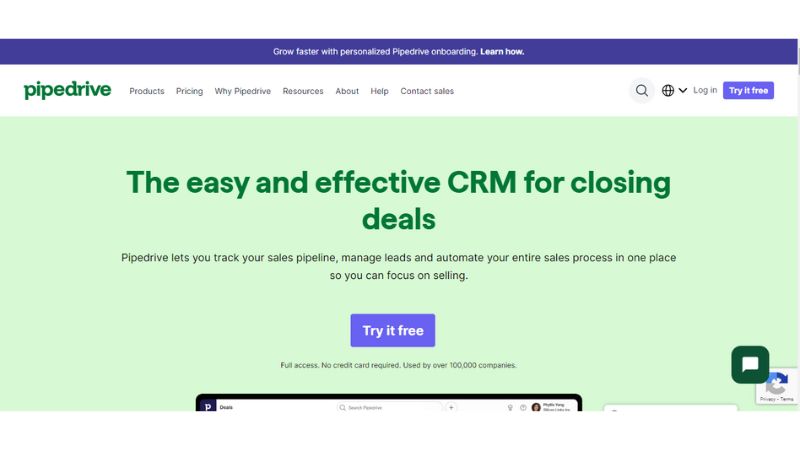
Pipedrive is a sales-focused CRM designed to help teams visualise and manage deals efficiently. It is known for its intuitive pipeline view and ease of use.
It is particularly popular among small and mid-sized teams that want a straightforward CRM without heavy complexity.
1.3.1. Key Features:
- Pipeline management
- Lead generation
- Workflow automation
- Third-party integrations
1.3.2. Third-Party Ratings:
- Capterra: 4.5/5
- G2: 4.3/5
- Software Suggest: 4.5/5
- TechJockey: 3.8/5
1.3.3. Pros:
- Highly intuitive and visual interface
- Strong deal and pipeline tracking
- Good customer support
- Wide range of integrations
1.3.4. Cons:
- Limited features at lower pricing tiers
- Some integrations require technical setup
- Less suitable for complex enterprise workflows
1.3.5. Pricing:
- Starting – INR 1,162/user/month
- Mid-tier – INR 4,067/user/month
- Enterprise – INR 8,217/user/month
1.4. LeadSquared
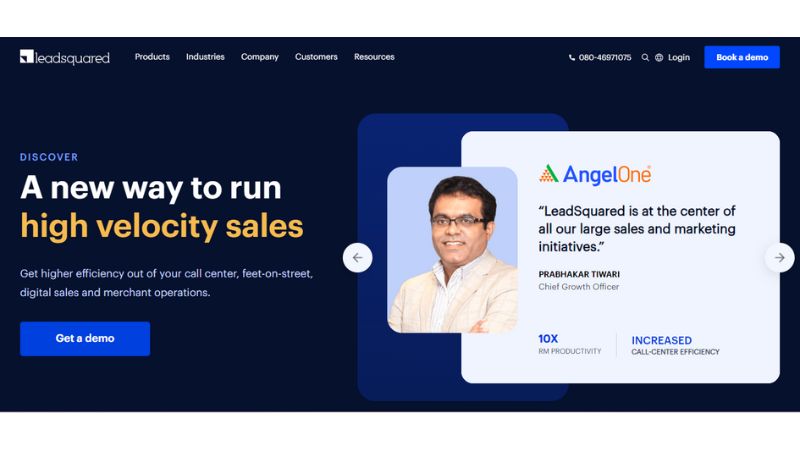
LeadSquared is a CRM and sales automation platform focused on high-velocity sales teams. It helps businesses capture, nurture, and convert leads through structured sales workflows.
It is widely used in industries such as education, real estate, BFSI, and healthcare.
1.4.1. Key Features:
- Lead capture and management
- Automation workflows
- Reporting and analytics
- User access controls
1.4.2. Third-Party Ratings:
- Capterra: 4.3/5
- G2: 4.5/5
- Software Suggest: 4.7/5
- TechJockey: 4.1/5
1.4.3. Pros:
- Strong lead automation and nurturing
- Structured sales execution
- Easy integration with business tools
- Detailed reporting and analytics
1.4.4. Cons:
- Some pages load slowly
- Limits on bulk exports
- Automation controls can feel restrictive
1.4.5. Pricing:
- Lite – INR 2,075/user/month
- Mid-tier – INR 4,150/user/month
- Enterprise – INR 8,300/user/month
1.5. Zoho CRM
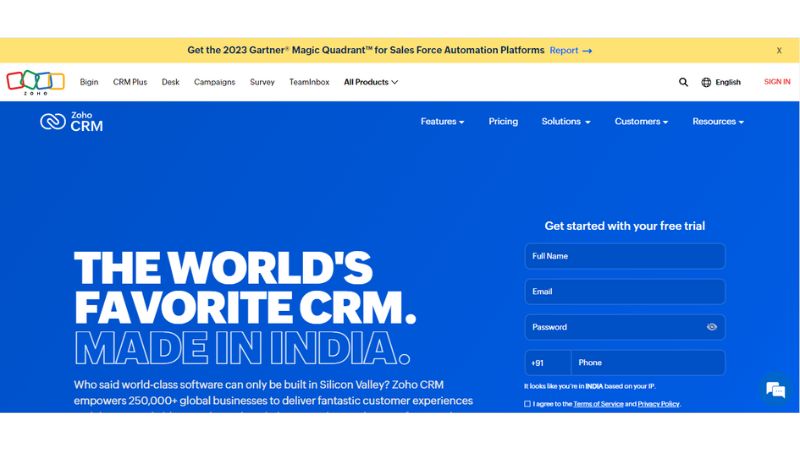
Zoho CRM provides a comprehensive view of your entire sales cycle and pipeline. It helps businesses of all sizes manage their customer relationship lifecycle. It serves as a single business system for sales, marketing, customer support & service, and inventory management.
1.5.1. Key Features:
- Lead management
- Reporting and analytics
- Data access
- Omnichannel communication
1.5.2. Third-Party Ratings:
- Capterra: 4.3/5
- G2: 4.1/5
- Software Suggest: 4.6/5
- TechJockey: 4.⅘
1.5.3. Pros:
- Zoho CRM offers a number of customization options, such as custom layouts, fields, modules, and workflows.
- It offers lead analysis, insights about deals, activity statistics, and email analytics to help businesses make better business decisions.
- It keeps all your email communication with your clients organized and in one place, which further helps in delivering personalized experiences to customers.
- You get great business management features such as built-in lead management, account management, etc.
1.5.4. Cons:
- Zoho CRM is more expensive than other options in the market.
- It is considered user-friendly, but it still requires some learning. If you are a business with limited technical expertise, consider a different option.
- It offers a vast range of features that you have to pay for, but you may never use.
1.5.5. Pricing:
- Standard- INR 800/user/month
- Professional- INR 1,400/user/month
- Enterprise- INR 2,400/user/month
- Ultimate- INR 2,600/user/month
1.6. Insightly
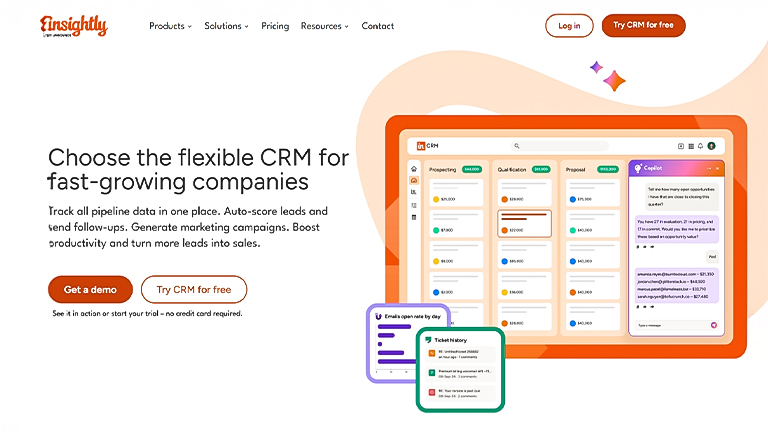
Insightly is a CRM designed for small and mid-sized businesses that want combined CRM and project management capabilities. It works well for teams using Google Workspace.
1.6.1. Key Features:
- Contact Management
- Pipeline tracking
- Project management
- Workflow automation
1.6.2. Third-Party Ratings:
- Capterra: 4.0/5
- G2: 4.2/5
- Software Suggest: 4.1/5
- TechJockey: 4.4/5
1.6.3. Pros:
- Good CRM-project management combination
- Easy Google Workspace integration
- Custom dashboards
1.6.4. Cons:
- Limited advanced automation
- UI can feel dated
- It Fewer integrations than competitors
1.6.5. Pricing:
- Starting – INR 2,407/user/month
- Mid-tier – INR 4,067/user/month
- Enterprise – INR 8,217/user/month
1.7. Monday.com CRM
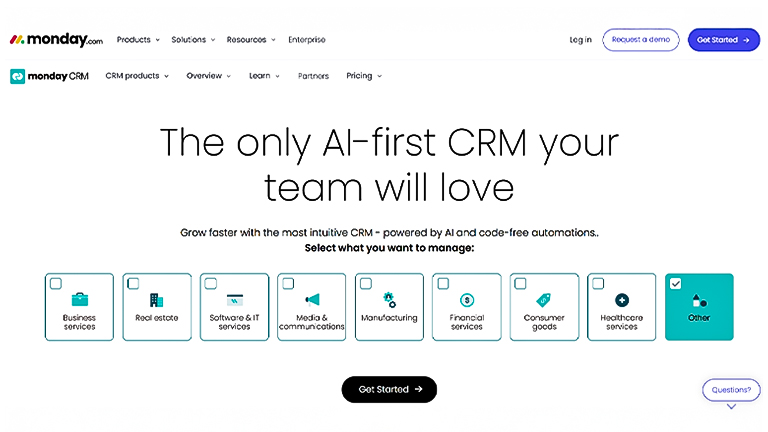
Monday.com CRM is built on Monday Work OS and focuses on visual workflows and customisation. It is best suited for teams that already use Monday.com for operations.
1.7.1. Key Features:
- Visual dashboards
- Custom workflows
- Automation rules
- Collaboration tools
1.7.2. Third-Party Ratings:
- Capterra: 4.6/5
- G2: 4.6/5
- Software Suggest: 4.5/5
- Tech Jockey: 4.4 / 5
1.7.3. Pros:
- Highly visual and customisable
- No-code automation
- Strong collaboration features
1.7.4. Cons:
- CRM depth is limited compared to dedicated CRMs
- Costs increase with scale
- Requires configuration effort
1.7.5. Pricing:
- Starting – INR 996/user/month
- Mid-tier – INR 2,324/user/month
- Enterprise – Custom pricing
1.8. Freshsales
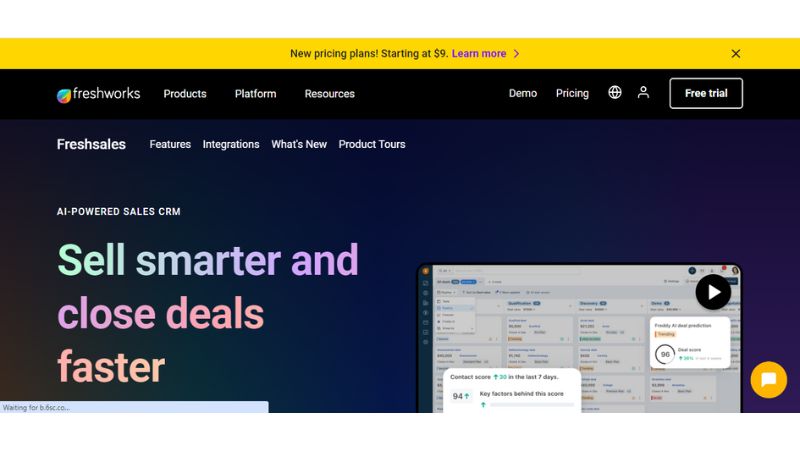
Freshsales is a CRM by Freshworks that focuses on AI-driven insights, automation, and ease of use. It helps sales teams manage leads efficiently and improve productivity.
1.8.1. Key Features:
- Contact and account management
- AI-powered insights
- Sales automation
- Custom workflows
1.8.2. Third-Party Ratings:
- Capterra: 4.5/5
- G2: 4.5/5
- Software Suggest: 4.6/5
- TechJockey: 4.0/5
1.8.3. Pros:
- Easy-to-use interface
- Built-in AI assistant
- Strong customisation options
1.8.4. Cons:
- Limited reporting in the free plan
- Support response delays are reported
- It can feel complex for beginners
1.8.5. Pricing:
- Free
- Mid-tier – INR 3,237/user/month
- Enterprise – INR 4,897/user/month
1.9. EngageBay
EngageBay is an all-in-one CRM platform offering tools for sales, marketing, and customer support. It is positioned as an affordable alternative for small businesses looking to scale.
1.9.1. Key Features:
- Email marketing
- Contact management
- Marketing automation
- Helpdesk tools
1.9.2. Third-Party Ratings:
- Capterra: 4.7/5
- G2: 4.7/5
- Software Suggest: 4.7/5
- TechJockey: 4.5/5
1.9.3. Pros:
- Affordable all-in-one CRM
- User-friendly interface
- Strong automation features
- Good reporting capabilities
1.9.4. Cons:
- Limited SMS functionality
- Basic CRM pipeline features
- Restricted email template options
1.9.5. Pricing:
- Free
- Mid-tier – INR 2,905/user/month
- Enterprise – INR 5,810/user/month
1.10. SugarCRM
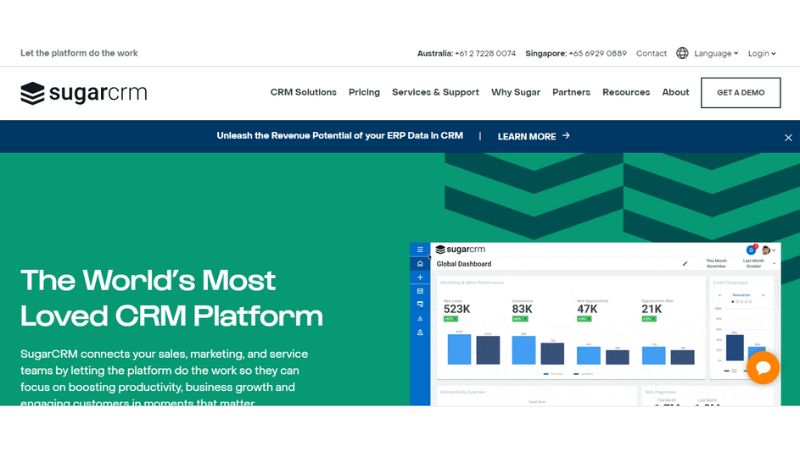
SugarCRM is a flexible CRM platform designed for businesses that need deep customisation and advanced sales automation.
1.10.1. Key Features:
- AI-powered insights
- Custom workflows
- Sales automation
- Third-party integrations
1.10.2. Third-Party Ratings:
- Capterra: 3.8/5
- G2: 3.9/5
- Software Suggest: 4.9/5
- TechJockey: 4.3/5
1.10.3. Pros:
- Highly customisable
- Advanced reporting and AI tools
- Strong sales process management
1.10.4. Cons:
- Steep learning curve
- Mobile app performance issues
- Interface can feel complex.
1.10.5. Pricing:
- Starting – INR 1,577/user/month
- Mid-tier – INR 7,055/user/month
- Enterprise – INR 11,205/user/month
What Are the Benefits of Using CRM Tools for Businesses?
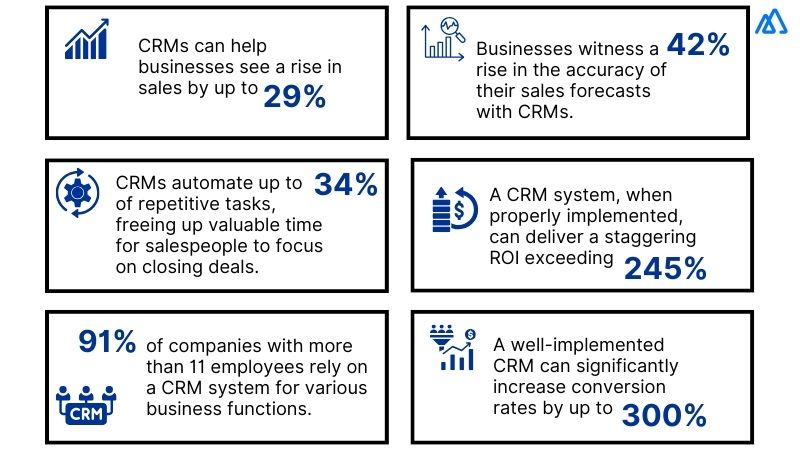
There are numerous benefits of using CRM tools for businesses of any size. Let’s take a look at what they are:
1. Better Customer Relationships
A CRM tool helps businesses understand their customers by collecting and organizing data on their preferences, behaviors, and interactions. This data allows businesses to deliver targeted services, personalize communication, and build strong relationships with their customers.
2. Improved Sales
CRM systems help businesses track leads, opportunities, and sales activities. These further help salespeople put their sales efforts in the right direction, follow up with the leads more effectively, and close deals faster.
3. Enhanced Marketing Strategies
With the help of CRM software in India, businesses can easily segment their customer base as per certain criteria such as demographics, interests, and purchase history. The segmentation helps in creating targeted marketing campaigns that are more likely to improve conversion rates and ROI.
4. Efficient Sales Processes
As the best CRM software in India centralizes customer data and automates redundant tasks such as email communication, data entry, and scheduling follow-ups, it frees up salespeople and allows them to focus on selling activities.
5. Better Decision-Making
A CRM provides businesses with real-time insights into market trends, customer behavior, and sales performance. Also, managers can easily analyze reports and dashboards, identify opportunities, address challenges, and make better decisions towards growth.
Overall, a CRM tool simplifies a lot of business tasks and even takes up some of them to improve business sales and customer relationships..
How to Choose the Best Sales CRM Software for Your Business?
When it comes to choosing the best CRM software in India, a lot of things matter, such as your specific needs, goals, and budget. Here are a few tips that will help you make the right decision.
1. Know Your Needs and Goals
When you have clear business requirements and objectives in mind, you can easily determine the specific functionalities you need from a CRM tool, such as marketing automation, customer service management, scalability, analytics, and reporting, etc. Consider both your current needs and future growth plans to make the right choice.
2. Compare Options
You must conduct thorough research to identify the best CRM software that aligns with your requirements. Check online reviews and take recommendations from your acquaintances to shortlist a few options. Compare features, reviews, and other CRM capabilities to choose a good option for your needs.
3. Consider User Experience and Adoption
You must check the user interface and overall user experience of each CRM software you come across. Always choose a CRM that is intuitive and will be easily adopted by your team. Look for options such as mobile accessibility, customization, and ease of integration with your current workflows and applications.
4. Evaluate Customer Support and Training
Your relationship with your CRM vendor must not end after you have made the purchase. Instead, your CRM vendor must provide you with consistent and reliable customer support and training whenever the need arises. Look for CRM software that comes with a wide range of tutorials, comprehensive training resources, documentation, ongoing customer support, etc.
5. Trial Period and Demo
You must always take advantage of the free trials and demos offered by your CRM vendors to test the software firsthand. This way you can explore the features, functionality, and usability of the CRM platform in a real-world scenario and then make a commitment.
What CRM Software Features Should You Look for to Fit Your Business Needs?
Every business has a unique set for a CRM tool. But ideally, your CRM must offer the following:
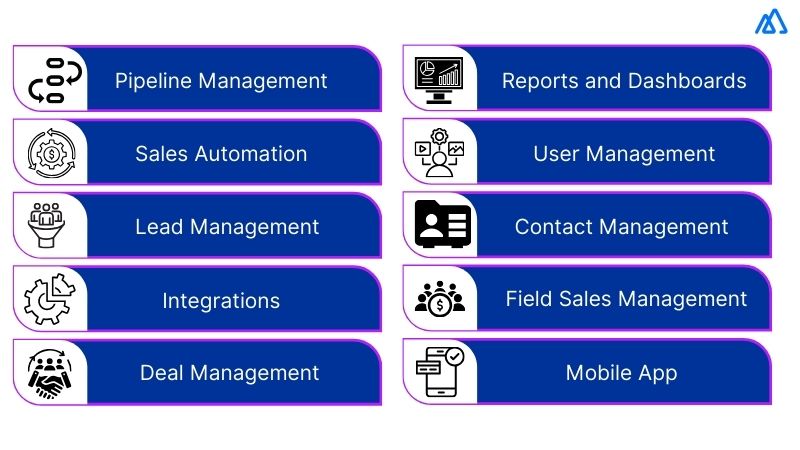
Always create a list of the features that you need before starting with your search.
Wrapping Up
No matter what your business requirements are, at the end of the day, choosing the best CRM software in India isn’t that tough. You just need a clear vision of your needs and the type of customers you are dealing with.
As mentioned in the list, Kylas is truly a great sales CRM that offers a plethora of features that fit every business’s needs. What’s better is that you can customize the CRM as per your needs and make the most out of your investment.
FAQs
1. Which is the best Sales CRM software in India for small businesses?
The best Sales CRM software for small businesses is one that simplifies lead management, tracks sales opportunities, automates follow-ups, and provides clear pipeline visibility. It should also support integrations with email, WhatsApp, and other business tools while remaining easy to implement and scale as your business grows.2. What features should you look for in Sales CRM software?
A Sales CRM should include lead and contact management, sales pipeline tracking, workflow automation, task reminders, reporting dashboards, mobile access, and integrations with communication and marketing platforms. These features help sales teams improve productivity and manage customer relationships more efficiently.3. How does Sales CRM software improve sales performance?
Sales CRM software organizes customer data in one place, automates repetitive tasks, tracks every stage of the sales pipeline, and provides real-time performance insights. This helps sales teams respond faster, focus on qualified leads, shorten sales cycles, and close more deals.4. Is cloud-based Sales CRM better than on-premise CRM?
Cloud-based Sales CRM is often the preferred choice because it can be accessed from anywhere, requires minimal IT infrastructure, and receives regular updates automatically. On-premise CRM may suit organizations with strict data control requirements, but it usually involves higher setup and maintenance costs.5. How much does Sales CRM software cost in India?
The cost of Sales CRM software in India depends on the number of users, features, integrations, and support offered. Many CRM providers offer flexible monthly or annual subscription plans, allowing businesses to start with essential features and upgrade as their requirements grow.6. Can Sales CRM software integrate with WhatsApp, email, and other business tools?
Yes. Most modern Sales CRM platforms integrate with WhatsApp Business, email applications, telephony systems, marketing automation tools, accounting software, and other business applications. These integrations reduce manual work, improve data accuracy, and create a more connected sales process.


![How to Find the Right CRM for Startups? [A Comprehensive Guide]](https://kylas-v2.staging2.amura.in/wp-content/uploads/2021/11/PB-Banner-Guide-Images-ONLY-37.jpg)