


Overview
Zoho Books is an all-in-one cloud accounting platform that manages finances, stock tracking, project management, workflows, and GST compliance for businesses.
Connect Zohobooks
- Install Kylas Zohobooks Markaetplace app on Kylas
- Sign in into application and enter your Kylas app API key in API key field and click on save
- Go to Connected accounts and Connect your Zohobooks account
- Enter your zohobooks organizational ID, Client ID, Client secret and select your domain suffiix.
- To get the Orgnizational Id follow the steps
Steps -
Step 1 - Login to your Zoho Books account Dashboard
Step 2 - Click the profile section on Top right hand side
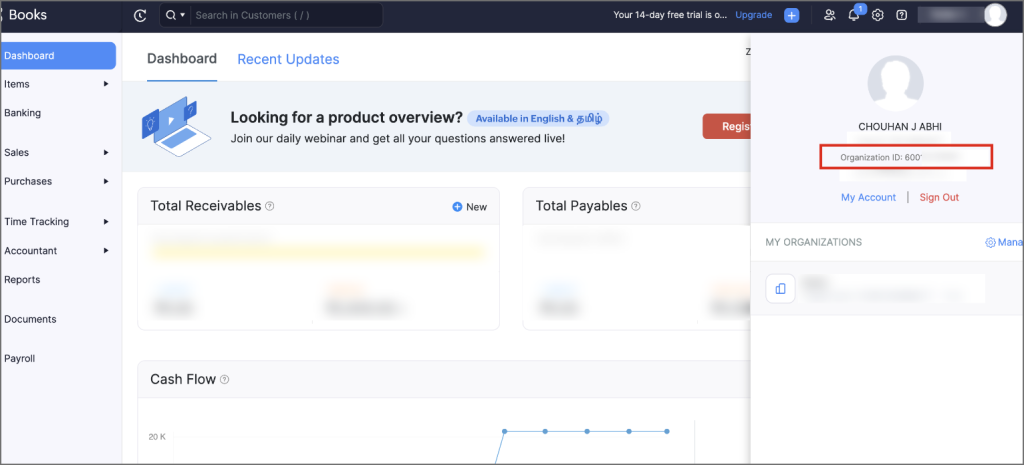
Step 3 - Copy your organization id from your profile section. As shown above.
To get the Client ID and Client Secret follow the steps:
Step 1 - Launch the following URL in your browser - https://api-console.zoho.com
Step 2 - Login with your Zoho account credentials
Step 3 - Click on "Get Started" or "Add a client" button
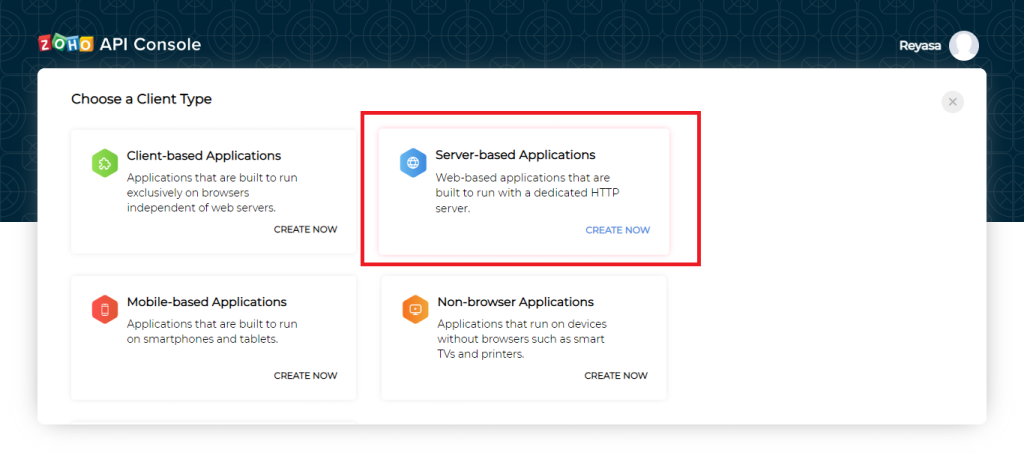
Step 4 - Click "Server-based Applications" and "Create Now"
Step 5 - Enter the following details in the given fields
- Client Name : Kylas
- Homepage URL : https://zohobooks.integrations.kylas.io
- Authorized Redirect URLs: https://zohobooks.integrations.kylas.io/connected-account/connect
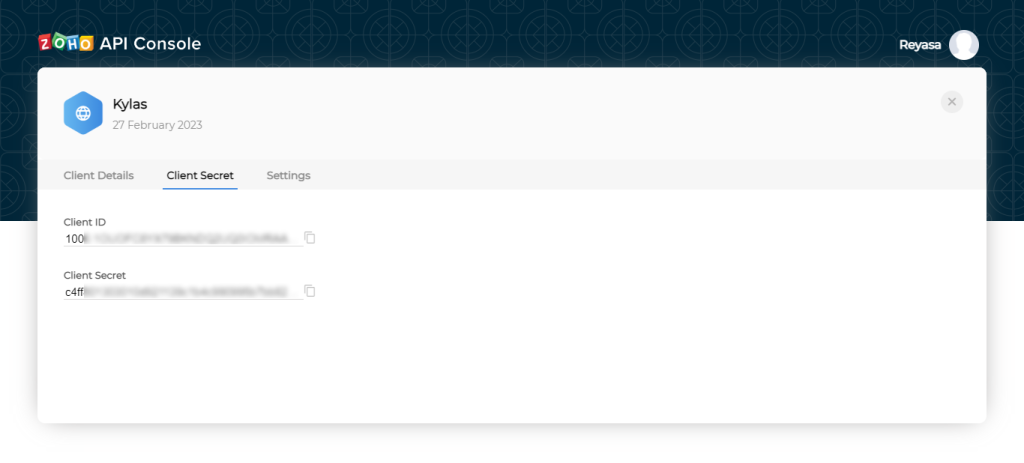
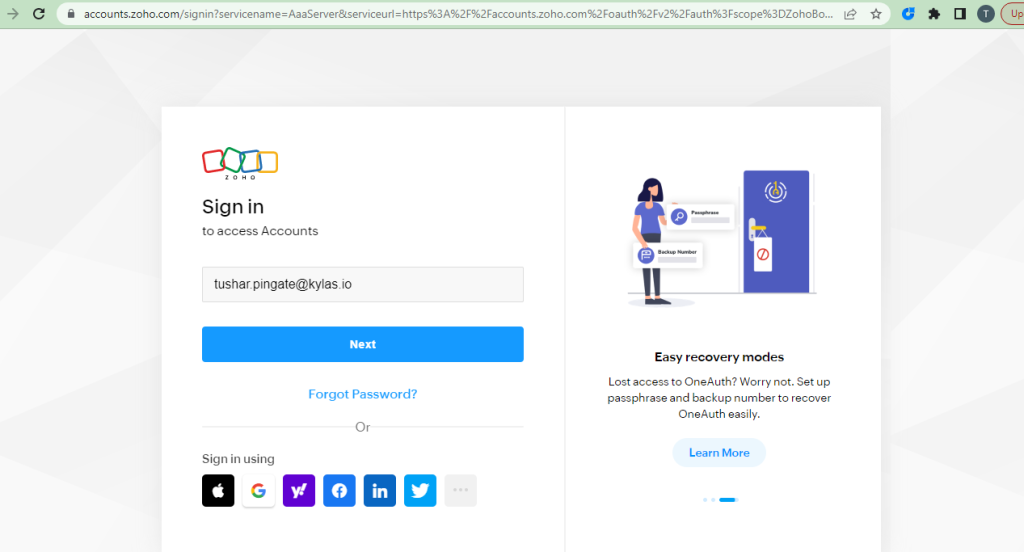
- Click on save and connect.
- Enter your Zohobooks Credentials and sign in in to your zohobooks account.
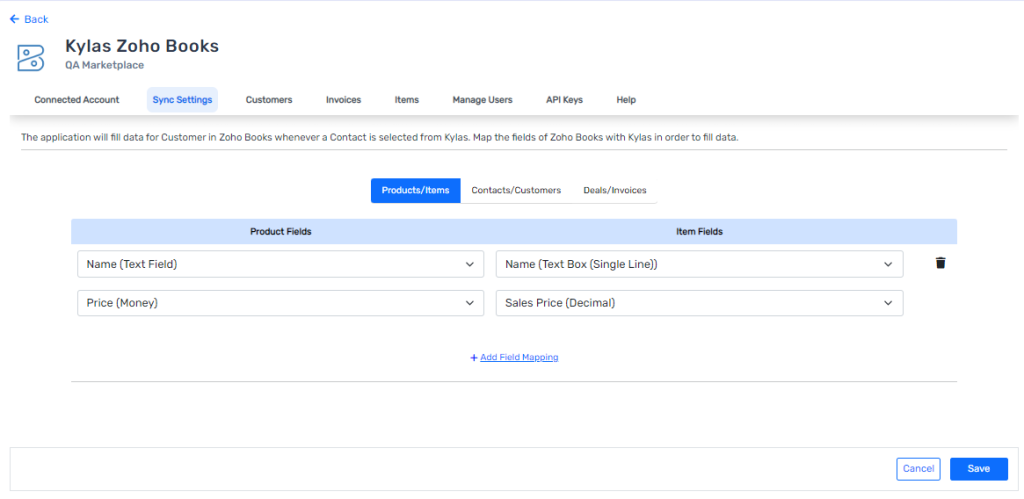
- After connecting the account you will need to map Items , customer, and Invoice fields of zohobooks with Kylas’s product , Contacts and deal’s field respectively and save the mapping.
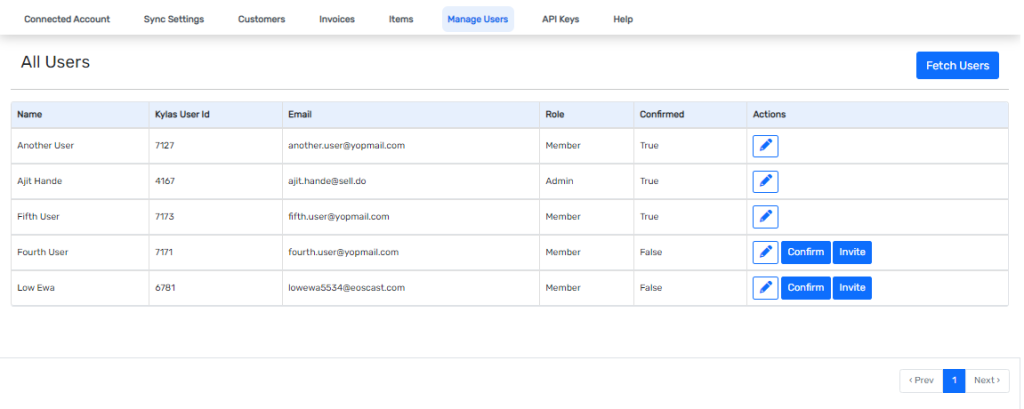
- You can invite your users to install this application on their kylas account to create invoice from their kylas account. To add the users, go to Manage users and add the kylas users to invite them to install this application and save it.
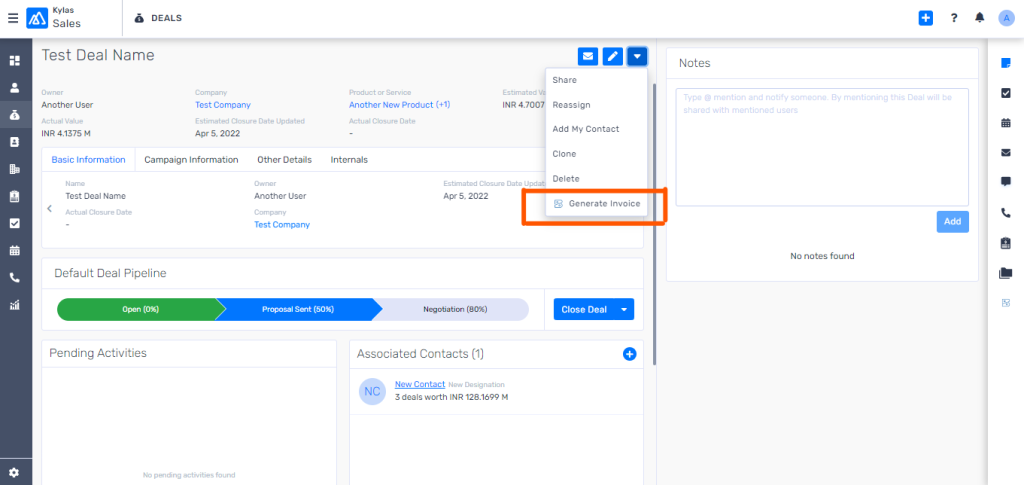
- Now you are ready to use this application. Just go to any deal, and Generate the invoice directly from more action button.
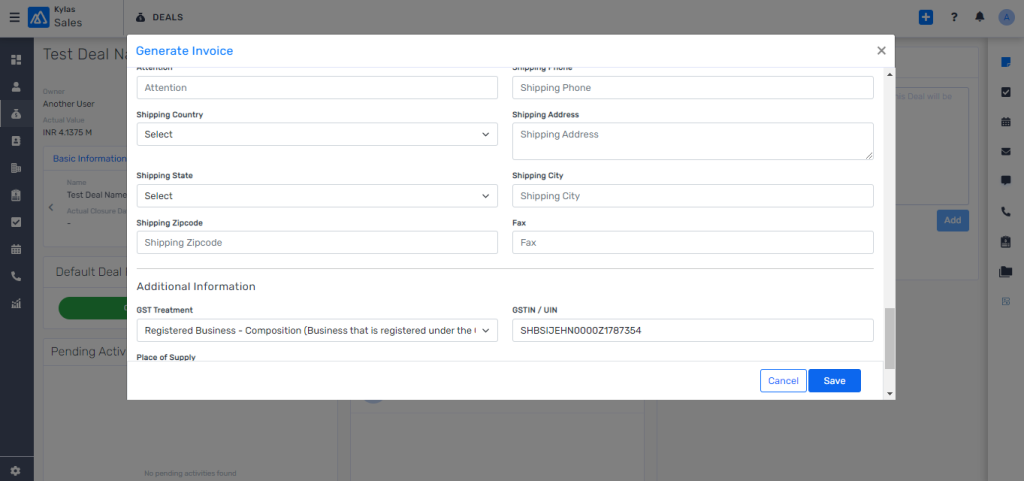
- Check the Information and fill the necessary information if required. click on save. The invoice will be created in Zohobooks account
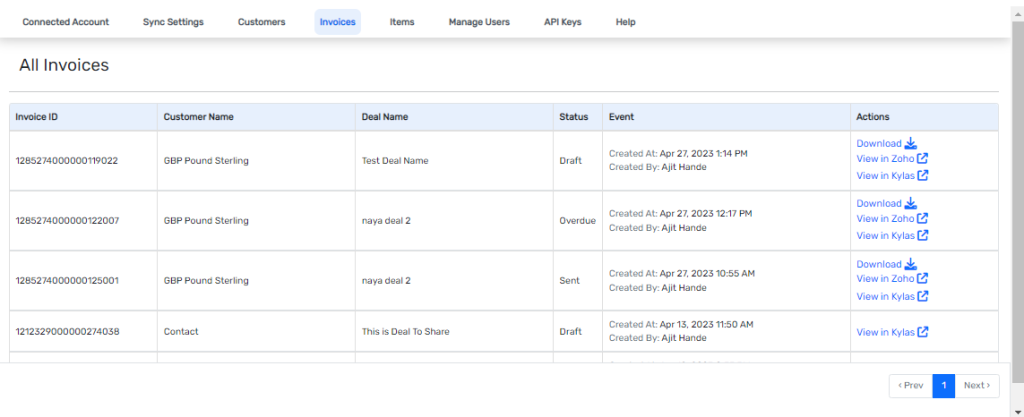
- Once the invoice is created, you can check all the invoices on the respective Deal’s and Contact's details page. By click on Zohobooks invoice on the entity details page.
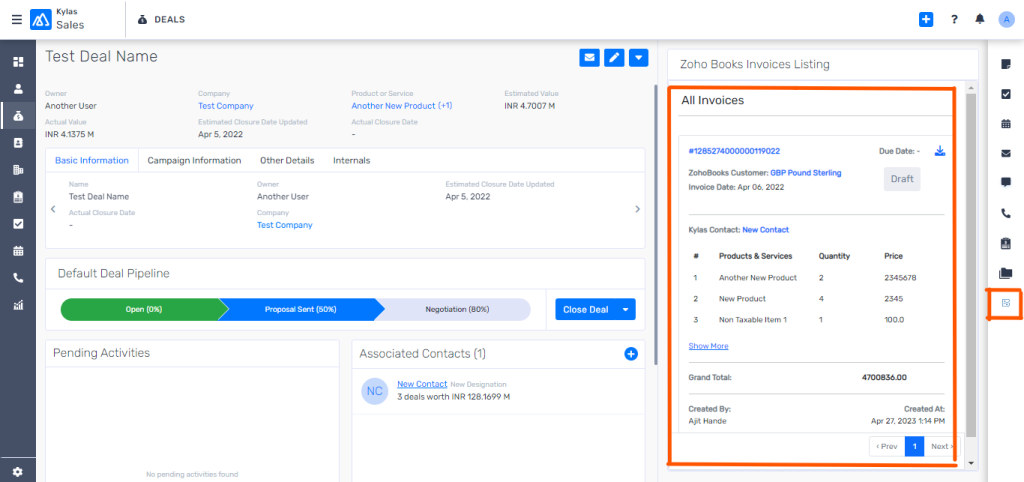
- You can download the invoice from details page by click on the download CTA and also see all the created invoices from kylas in the Kylas zohobooks marketplace app