







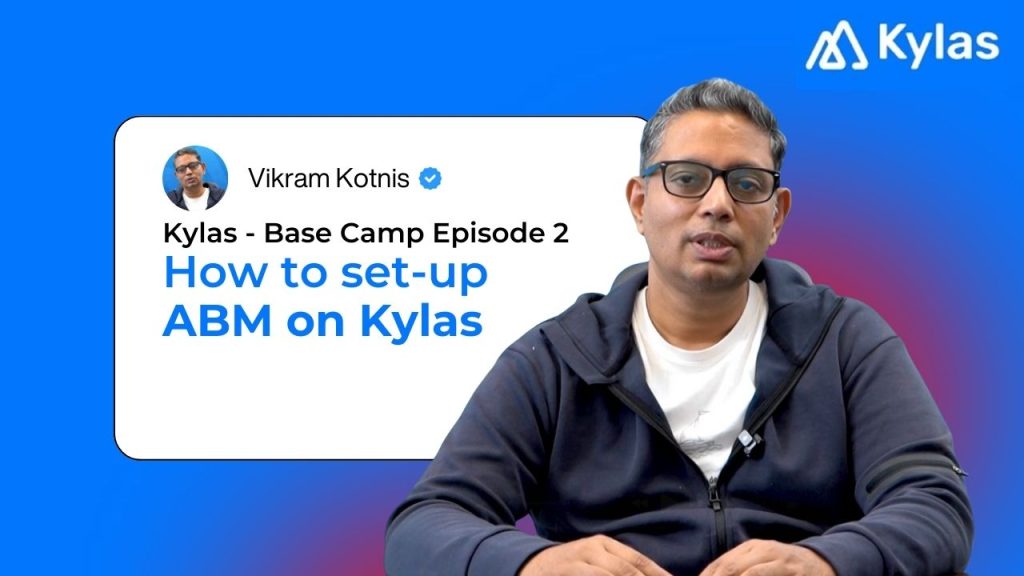
Base Camp Episode 2: How to Set Up Account-Based Marketing (ABM) in Your CRM
Posted on September 8, 2025 by Mr. Vikram Kotnis, Founder & CEO of Kylas
In the first episode of Base Camp, we explored how to set up a CRM correctly for your business.
In this second episode, let’s go a step further into B2B marketing—specifically Account-Based Marketing (ABM) and list-based marketing.
The difference is simple:
- List-based marketing is about loading large databases and running broad outreach.
- ABM is about focusing on a defined set of accounts, mapping stakeholders, and engaging them deeply.
If you’re selling to enterprises or looking at retention and relationship growth, ABM is the way forward.
Here’s the step-by-step process I recommend to set up ABM inside a CRM like Kylas:
Step 1: Identify and Import Your ICPs
Start with your Ideal Customer Profile (ICP)—by industry, geography, company size, and role.
To build this database:
- Use integrations with Apollo, ZoomInfo, EazyLeadz, or your own scrapers via n8n.
- Import directly into your CRM. Each company + primary contact becomes a lead for outreach.
Step 2: Segment and Clean Your Database
Segment your accounts by:
- Industry or geography
- Contact seniority and role (HR leaders for HR tech, sales heads or CEOs for CRM software)
- Leadership contacts for brand recall
Before outreach, clean the data:
- Verify if contacts are still with the company via LinkedIn
- Update records in CSV/Excel and re-upload
- Use tools like ZeroBounce to validate emails and reduce bounce rates
Step 3: Define Your Sales Process and Pipelines
Different GTM motions need different pipelines. Examples:
- Enterprise team vs SMB team
- Email-driven vs outbound-calling teams
- Channel partners pipeline for nurturing and tracking
Create pipelines that mirror your sales process, not the other way around.
Step 4: Map Engagement Triggers and Scoring
Every engagement is a signal. Define which matter:
- Email opens and clicks
- WhatsApp reads and replies
- Calls answered vs ignored
Use positive and negative scoring:
- +20 for an email opened
- –10 for repeated missed calls
Set workflows that nudge reps to act—switch channels if one goes cold.
Step 5: Connect Campaign Channels
Integrate with Meta and Google to run custom and look-alike campaigns directly from CRM.
Tools like Warmly can identify companies visiting your website; add these accounts into your pipeline and increase their score immediately.
Step 6: Personalize Outreach at Scale
ABM is only effective if outreach feels personal:
- Use AI-powered email and WhatsApp drafting to insert variables like {{First Name}}, {{Company Name}}, and even recent company news.
- Warm up sending accounts; start small and scale gradually to avoid blacklisting.
- Sequence outreach across channels—email, WhatsApp, IVR calls—using workflows.
AI chatbots can now manage WhatsApp replies, making first responses instant and contextual.
Step 7: Automate Workflows
Automation scales ABM. With workflow engines:
- Auto-assign high-intent accounts to the right reps
- Trigger reminders and follow-ups based on engagement
- Integrate with external AI agents via n8n or APIs
The principle: signals in → actions out.
Step 8: Build a Strong Scoring Engine
Design scoring rules across channels:
- Email opened → +20
- WhatsApp replied → +30
- Website visit + form fill → +40
Loop workflows into scoring to capture the true engagement picture.
Step 9: Launch and Track Campaigns
Once campaigns are live, monitor what’s working:
- Which accounts are warming up
- Where drop-offs happen
- What content triggers responses
Push warm accounts into Deal pipelines, and use the Kanban view to visualize pipeline velocity.
Step 10: Reporting & Insights
Standard CRM reports show aggregates; ABM needs time-based insights.
Export to BI tools like Looker Studio or Mixpanel for daily/weekly trend tracking.
Key reports to monitor:
- Pipeline velocity
- Conversion ratios
- Account engagement trends
- Rep-level performance
Step 11: Layer AI for Efficiency & Coaching
With AI features now embedded into CRM:
- Call recording and transcription create coaching material
- Sentiment analysis scores sales calls to identify training needs
- Campaign module tracks email, WhatsApp, and soon Meta/Google ads—all inside the CRM
Final Thoughts
Setting up ABM isn’t about adding another tool. It’s about aligning data, outreach, automation, and reporting in one system.
With a well-structured CRM setup, you’ll know exactly:
- Which accounts to pursue
- Which stakeholders to engage
- Which campaigns are paying off